Kubernetes Infrastructure: The 9 Key Steps to Go from Zero to Operational
Kubernetes Infrastructure: The Essentials in One Article — Real Code, Diagrams, and Concrete Steps, Extracts from a 44-Lesson Course.
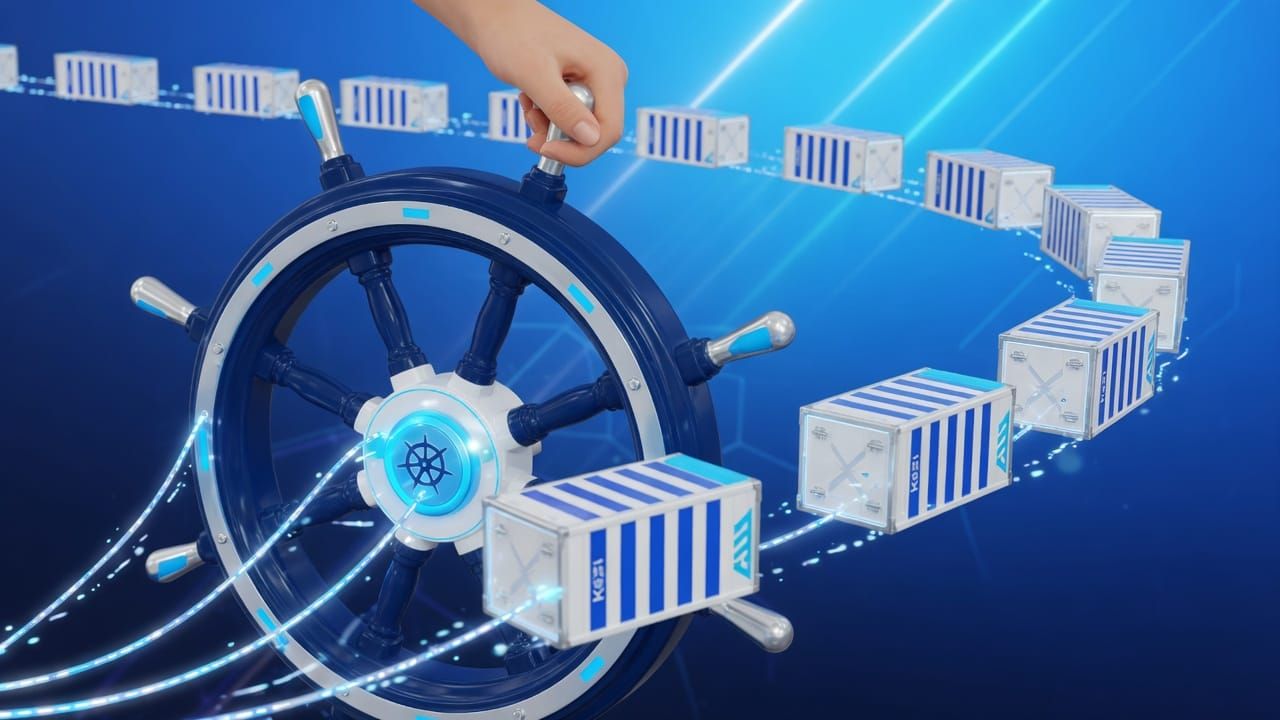
Everyone can learn Kubernetes Infrastructure — provided they follow the steps in the right order. We have condensed a complete 44-lesson course into a clear path, with the most useful code snippets.
- Introduction and Installation
- Kubernetes Architecture
- Pods ReplicaSets and Deployments
- Services and Networking
- Ingress and External Exposure
Create your own chart with templates
Learning objectives
- Generate a chart skeleton
- Use Go template variables
- Parameterize a Deployment with values
- Use helpers (_helpers.tpl)
- Test and package the chart
Generate a skeleton
First nginx "Hello World" Pod
Learning objectives
- Create an nginx Pod with a single command
- Inspect its state with get and describe
- Access the nginx page with port-forward
- Write your first YAML manifest
- Understand the difference between imperative and declarative
Launch a Pod in imperative mode
The fastest way to create a Pod is the kubectl run command. This is the imperative approach: you tell Kubernetes what to do, right now.
ConfigMaps — configuration injection
Learning objectives
- Understand why to separate config and code
- Create a ConfigMap
- Inject a ConfigMap as environment variables
- Mount a ConfigMap as a file
- Understand the limitations of ConfigMaps
Why separate config and code?
The 12-Factor App principle recommends storing configuration outside the code. This way, a single Docker image can run in dev, staging, and prod simply by changing the injected configuration. No need to rebuild the image for each environment.
Create a ConfigMap
This article covers the most useful snippets — the complete Kubernetes Infrastructure course (11 chapters, 44 lessons, corrected exercises and final project) takes you all the way.
./access-the-full-course free course: Mastering Claude CodeFAQ
How long does it take to learn Kubernetes Infrastructure?
Are there any prerequisites?
Where to start concretely?
📬 Want to receive this type of guide every week? Subscribe for free — real code, zero fluff.