Fine-Tuning: Customize Your AI Models Without Relearning Everything
Learn to adapt an existing AI model to your specific data and tasks using fine-tuning, a technique accessible to beginners.
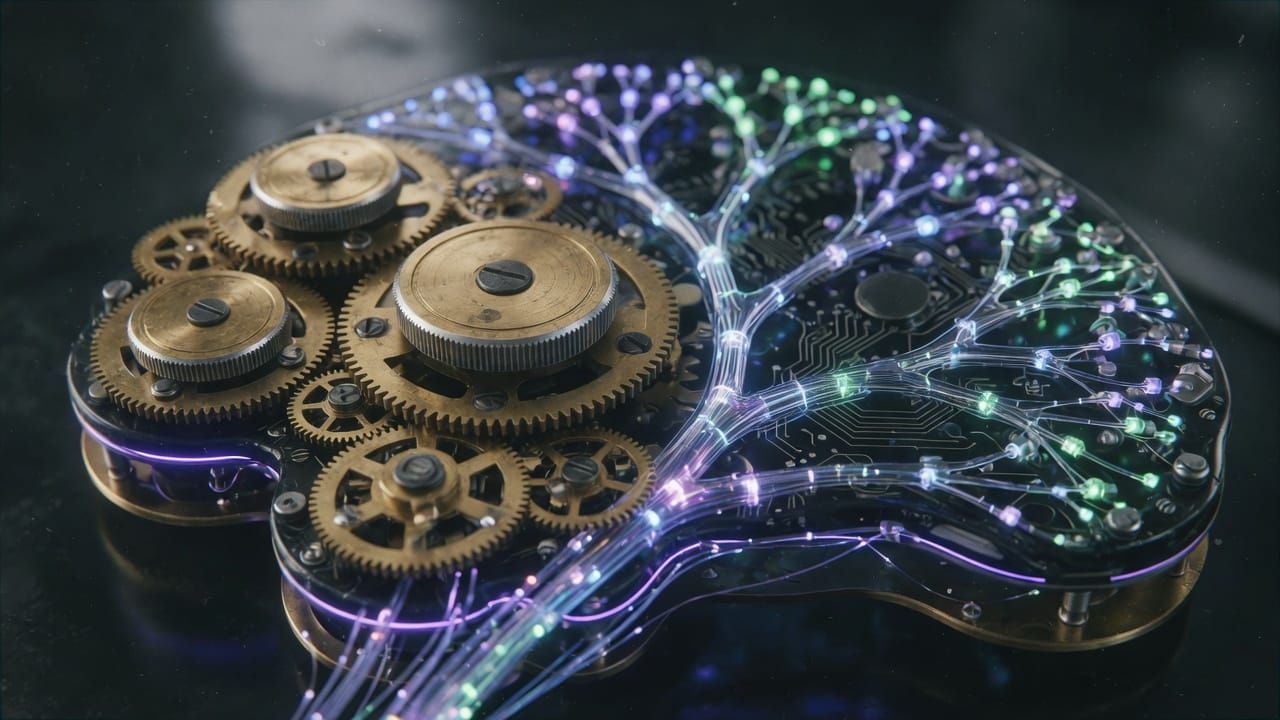
Fine-tuning has become an essential skill for anyone looking to harness the power of AI models without starting from scratch. Rather than training a model from the beginning, this technique allows you to adapt a pre-trained model to specific needs. In this article, we will explore fine-tuning in a simple and concrete way, with examples accessible to beginners and intermediates.
What is fine-tuning?
Imagine an AI model as a student who has already read thousands of books on language. Fine-tuning involves giving it additional lessons on a specific subject, such as drafting legal contracts or analyzing French tweets. The model retains its general knowledge while refining its skills in your domain.
Why use fine-tuning rather than full training?
Training a model from scratch requires enormous resources: weeks of computation on powerful servers and millions of data. Fine-tuning, on the other hand, is much more economical and fast. It allows obtaining professional results with only a few hundred or thousand examples. This is ideal for companies or developers who want to customize a model without an unlimited budget.
How does fine-tuning work in practice?
The process begins by selecting a base model, such as BERT or GPT. A dataset suited to the target task is then loaded. The model is trained on this new data for a few epochs, making slight adjustments to its internal parameters. The goal is to improve performance on the target task while avoiding the loss of its initial knowledge.
from transformers import Trainer, TrainingArguments
# Simplified example with a pre-trained model
model = AutoModelForSequenceClassification.from_pretrained("bert-base-uncased")
trainer = Trainer(model=model, args=TrainingArguments(output_dir="./results"), train_dataset=dataset)
trainer.train()
Concrete Examples of Use
Fine-tuning applies in many domains. A company can use it to create a chatbot that answers questions about its products. A researcher can adapt a model to detect emotions in medical texts. Even content creators use it to generate product descriptions consistent with their style.
Accessible Tools to Get Started
- Hugging Face Transformers: the most popular library for loading and fine-tuning models in just a few lines of code.
- Google Colab: a free environment that lets you experiment without installing any powerful software.
- LoRA and QLoRA: advanced techniques that reduce memory consumption, perfect for personal computers.
Tips for Succeeding in Your First Fine-Tuning
- Always start with a small test dataset to verify that everything works.
- Watch out for overfitting: if the model performs too well on your training data but poorly on new data, reduce the number of epochs.
- Use clear metrics like accuracy or the F1 score to measure progress.
Fine-tuning opens exciting doors for customizing AI without advanced expertise in deep learning. By starting with simple projects and using the right tools, you can quickly create models tailored to your needs. Don't hesitate to experiment: practice remains the best way to master this powerful technique.
💬 Have a question or want to go further? Join the community on Discord: https://discord.gg/GwhUKccQcM