Understanding Diffusion Models: How AI Generates Realistic Images
Discover step by step how diffusion models work, the technology behind Stable Diffusion and DALL-E 3.
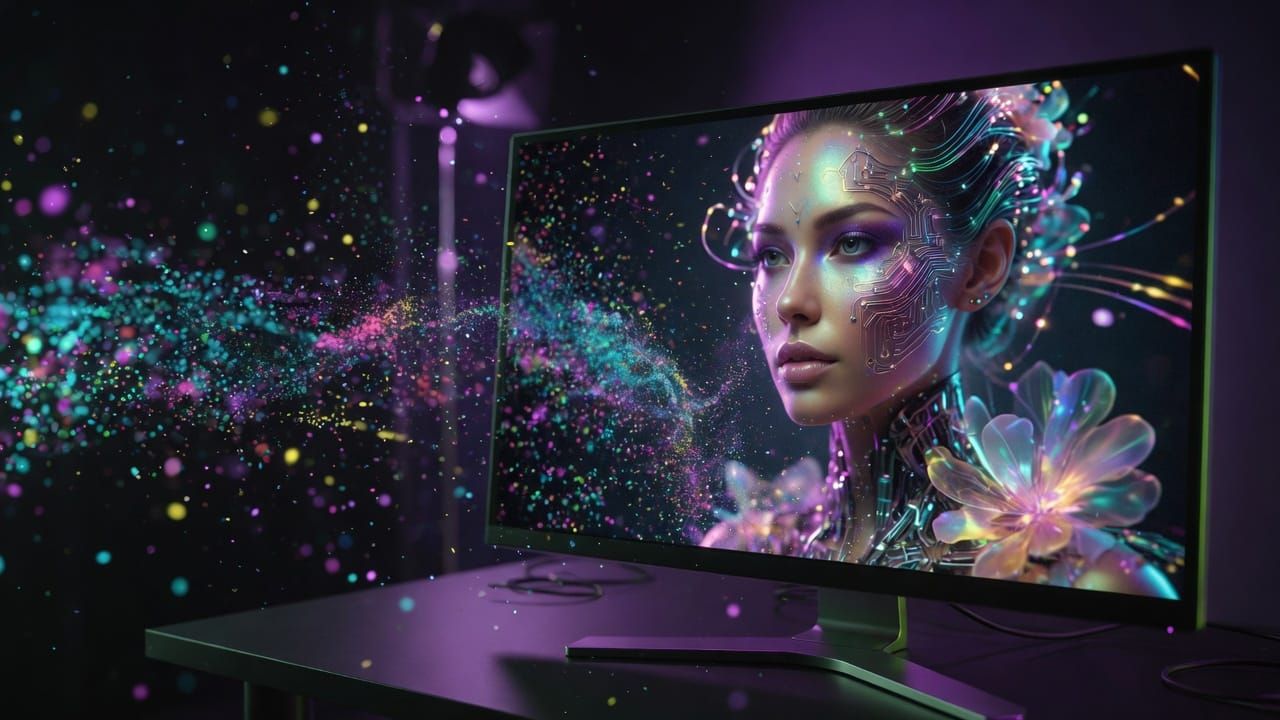
Diffusion models have revolutionized AI image generation in recent years. Unlike previous approaches, they produce visuals of impressive quality and consistency. In this article, we’ll explore together how they work in a simple and concrete way, without complex equations.
The Basic Principle: From Noise to Image
Imagine taking a sharp photo and gradually adding noise to it, like snow on a television screen. In the end, the image is nothing more than a field of random pixels. Diffusion models learn to reverse this process: starting from pure noise and progressively recovering a clear image.
How a Diffusion Model Is Trained
During training, the model sees millions of images. For each one:
- Noise is added according to a precise schedule (more or less strong at each step).
- The neural network must predict what noise was added.
- By repeating this operation, the model learns to “denoise” any image.
It’s a bit like learning to restore an old photo by training on thousands of damaged examples.
Generating a New Image
Once trained, the model can create original images. We start with random noise and ask the network to reduce it step by step. After a hundred or several thousand steps, a coherent image appears. We can guide this process with text (a prompt) to obtain exactly what we want, for example “an astronaut cat in watercolor style”.
Concrete Examples and Accessible Tools
The most well-known models are Stable Diffusion, DALL-E 3, or Midjourney. They allow you to generate illustrations, realistic photos, or product concepts in just a few seconds. Numerous online tools or local software (such as Automatic1111) make these models accessible even without programming skills.
Advantages over GANs
GANs (Generative Adversarial Networks) were previously dominant, but they could suffer from instability and mode collapse (repetitive images). Diffusion models generally offer:
- Better image quality and diversity.
- Greater stability during training.
- Better understanding of complex prompts.
How to Get Started Today
To experiment, start with free web interfaces. Write detailed prompts, test different styles and numbers of steps. You can also install Stable Diffusion locally for more control. The key is to play with the parameters to understand their impact.
Diffusion models have made visual creation with AI both more powerful and more intuitive. By understanding their logic of “noise then denoising”, you are better equipped to use them effectively and follow the next developments in the field.
💬 Have a question or want to go further? Join the community on Discord: https://discord.gg/GwhUKccQcM