Understanding Diffusion Models: How AI Generates Realistic Images
Discover how diffusion models transform random noise into stunning images, explained simply for beginners.
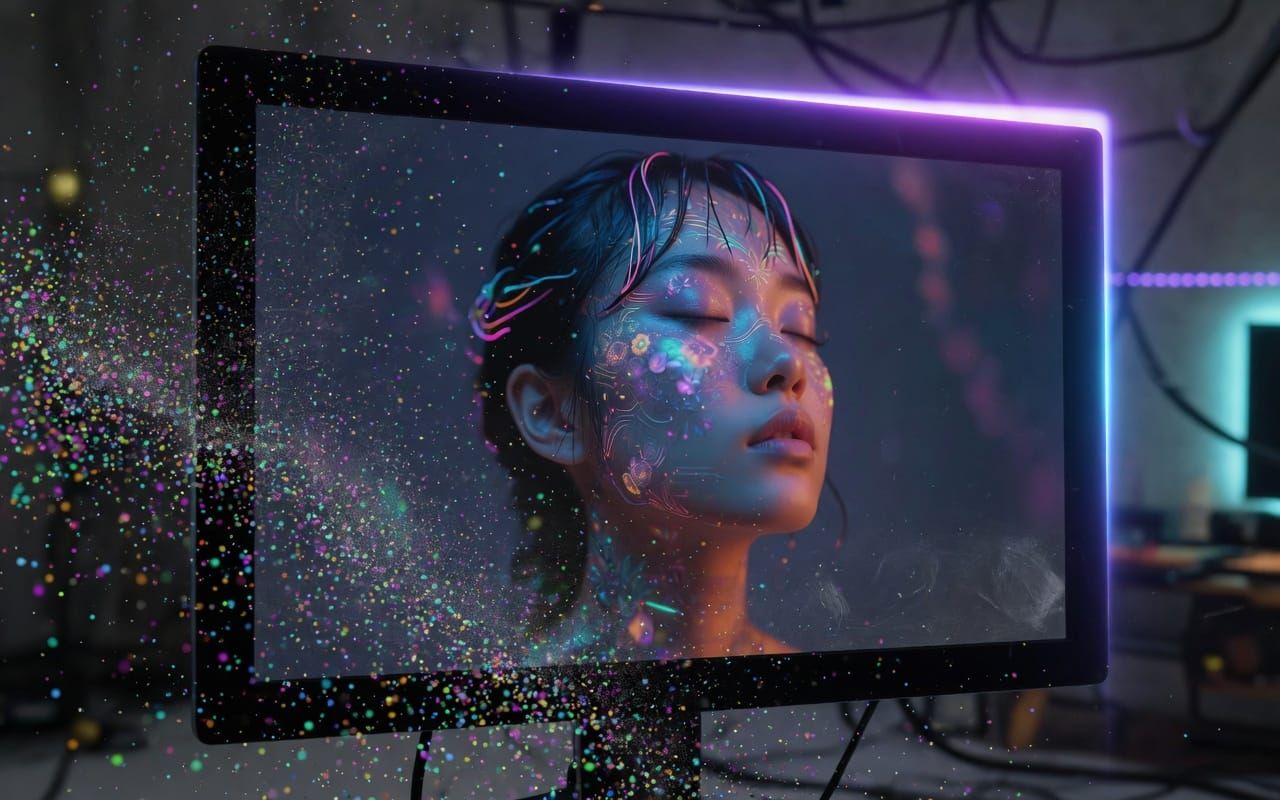
Diffusion models have revolutionized AI image generation. Unlike GANs that pit two networks against each other, they rely on a more stable and intuitive process: adding noise to an image and then learning to remove it. Today, tools like Stable Diffusion or DALL·E 3 use them to create visuals from simple textual descriptions. Let's discover together how they work step by step.
The Basic Principle: Transforming Noise into an Image
Imagine a sharp photo that you gradually cover with grains of sand until it becomes a uniform gray screen. This is the "forward process". The diffusion model then learns the inverse operation: from the sand, recover the original photo. This simple idea, inspired by the physics of thermal diffusion, makes it possible to obtain very realistic results.
How a Diffusion Model is Trained
Training is performed on millions of images. At each step:
- we add a small amount of Gaussian noise to the image;
- the neural network (usually a U-Net) must predict this noise;
- we repeat the operation across thousands of noise levels.
After training, the model knows how to « denoise » any image, even one composed solely of random noise.
Image Generation: From Text to Pixel
To create a new image, we start from pure noise and apply the reverse process step by step. The user’s text is first encoded by a language model (such as CLIP) that guides the denoising. After 20 to 50 steps, a coherent image appears. This iterative process explains why generation can take a few seconds on a good GPU.
Concrete Examples and Accessible Tools
Stable Diffusion is the best-known because it is open-source and runs on a personal computer. Midjourney and DALL·E 3 offer even higher quality but remain in the cloud. All rely on the same principle of text-conditioned diffusion.
Advantages, Limitations, and Perspectives
Diffusion models excel in image consistency and diversity. They handle anatomical details and artistic styles well. However, they are computationally intensive and can sometimes invent absurd objects. Future versions aim to accelerate generation and reduce biases present in the training data.
How to test it yourself in just a few clicks
Start with Hugging Face or Automatic1111 WebUI. Simply type a description like “an astronaut cat in a watercolor style” and watch the model transform the noise into an image. This is the best way to concretely understand the process.
Diffusion models have made visual creation accessible to everyone. By understanding their “noise to image” logic, you are better equipped to use these tools in a creative and critical way. Don’t hesitate to experiment: every prompt is a new opportunity to see the magic happen.